
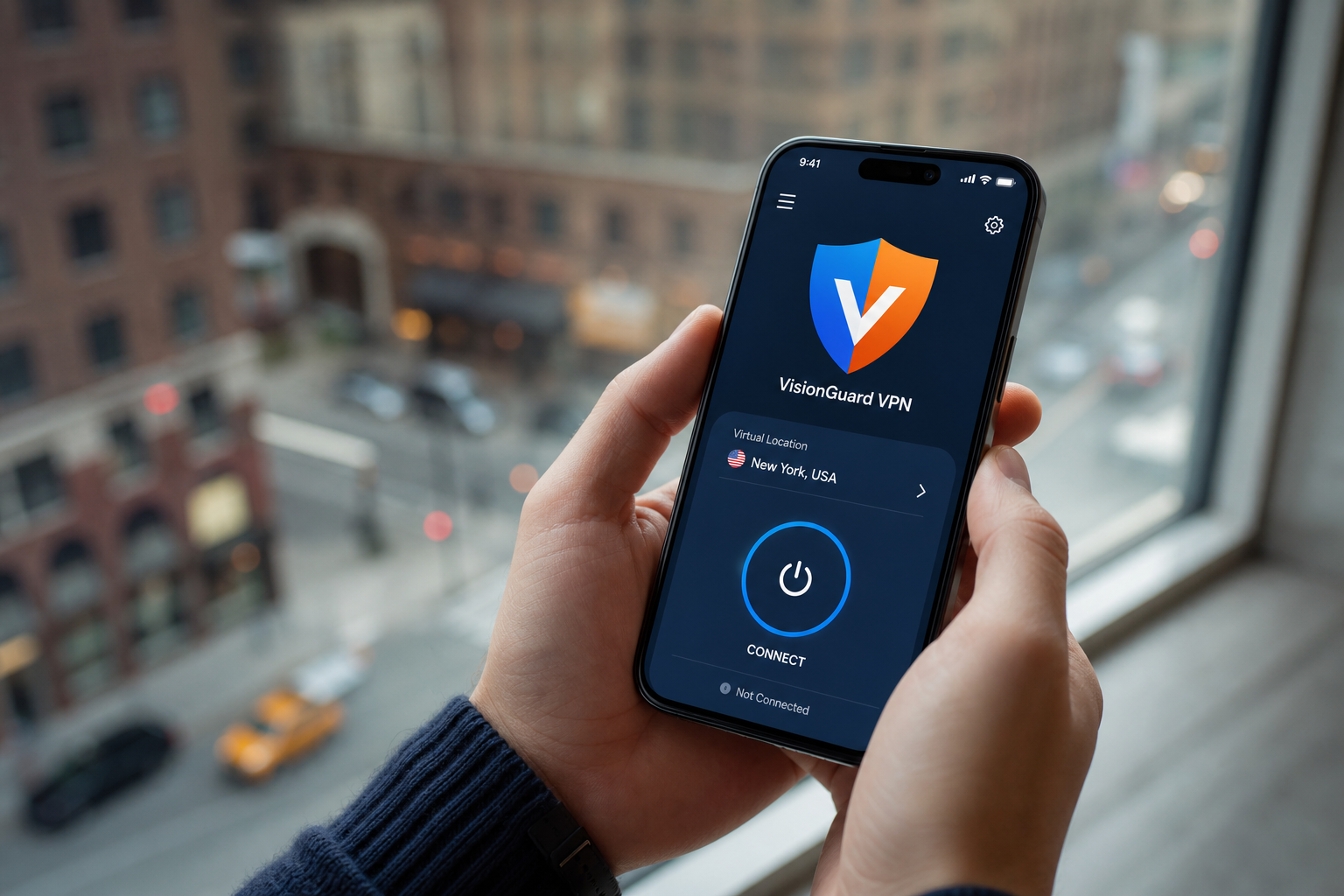
Step 1
Install & open VisionGuard
Download on iOS or Android. Your admin sends one secure activation link.
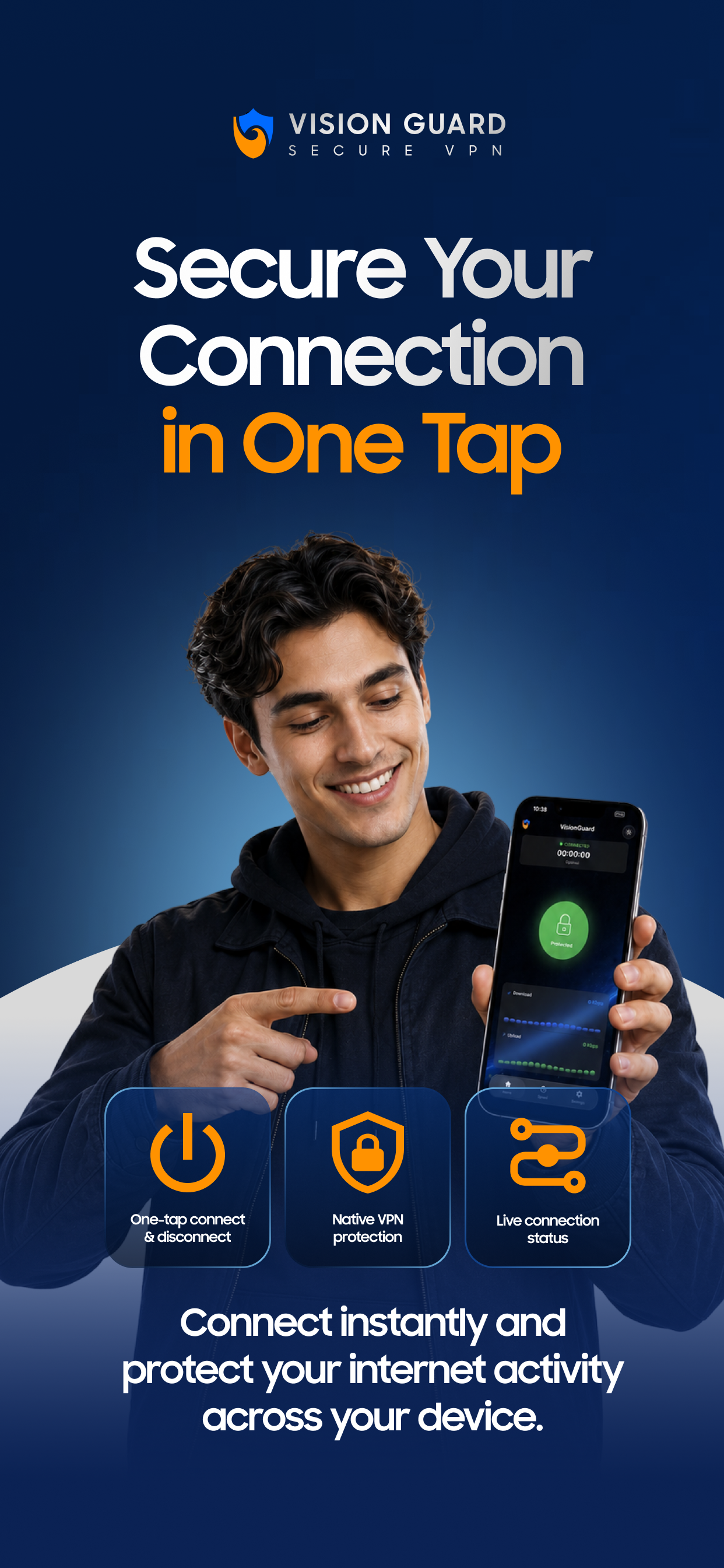
Secure mobile VPN
VisionGuard delivers encrypted VPN profiles through one activation link. Install the app, open the link, connect — no IT desk, no config files.
Already have a link? Open it on your phone after installing the app.
Download on iOS or Android. Your admin sends one secure activation link.

Encrypted tunnel in seconds — cafés, hotels, and guest networks.
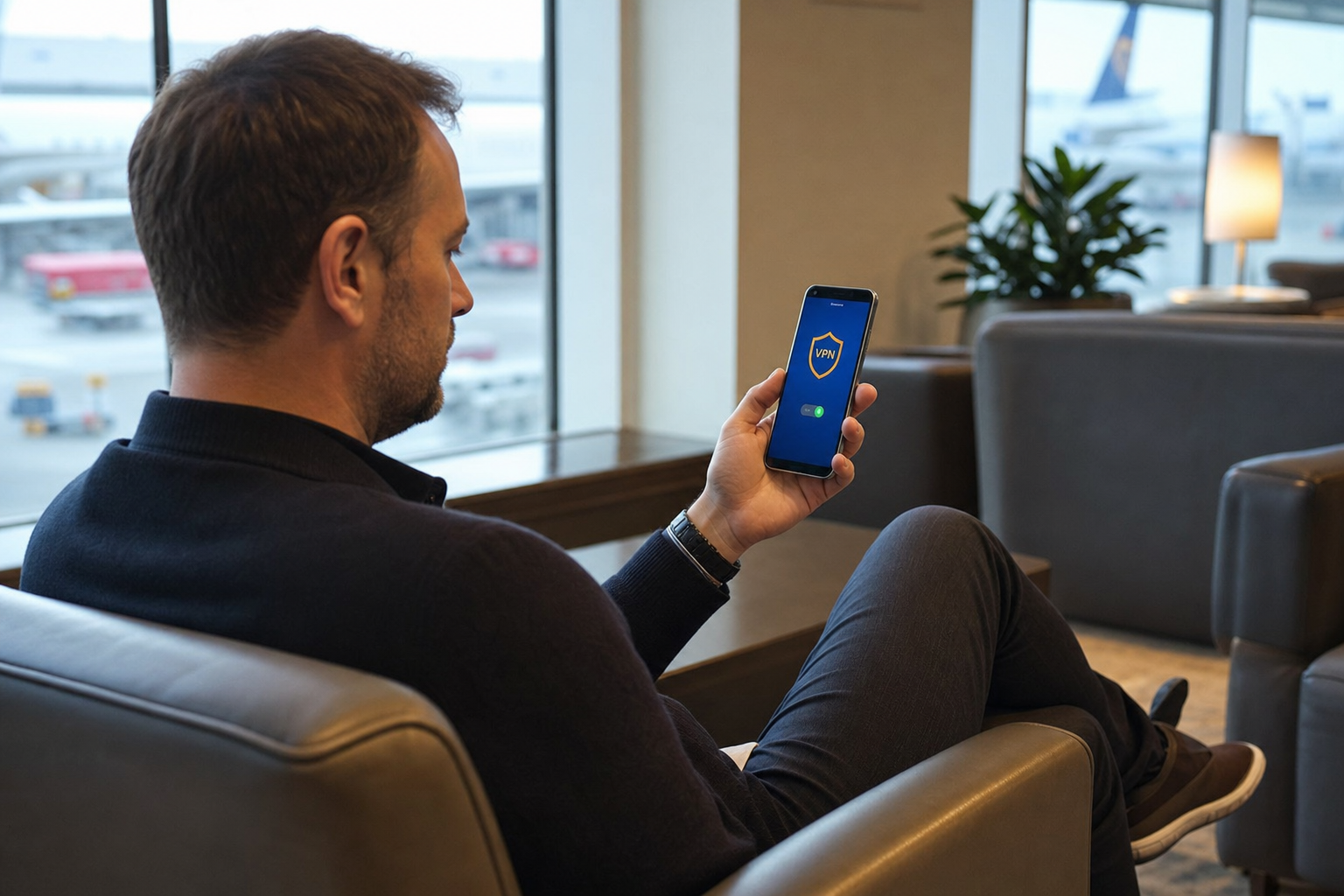
Airports, lounges, and mobile hotspots abroad — one tap.
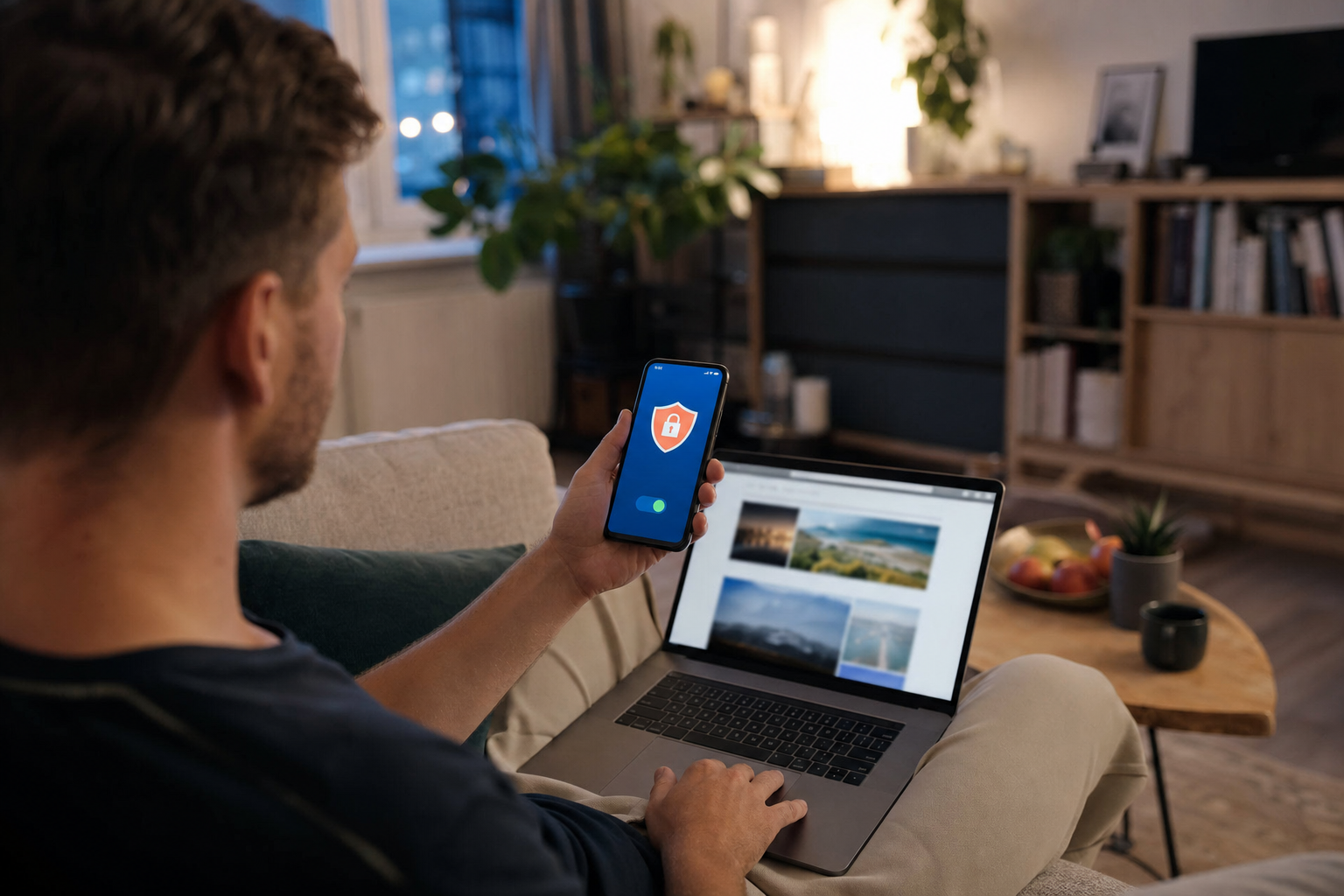
WireGuard, OpenVPN, or IKEv2 — native VPN, not a browser proxy.
Built for VisionGuard
Three pillars of how VisionGuard ships VPN access to your team — no generic VPN app fluff.
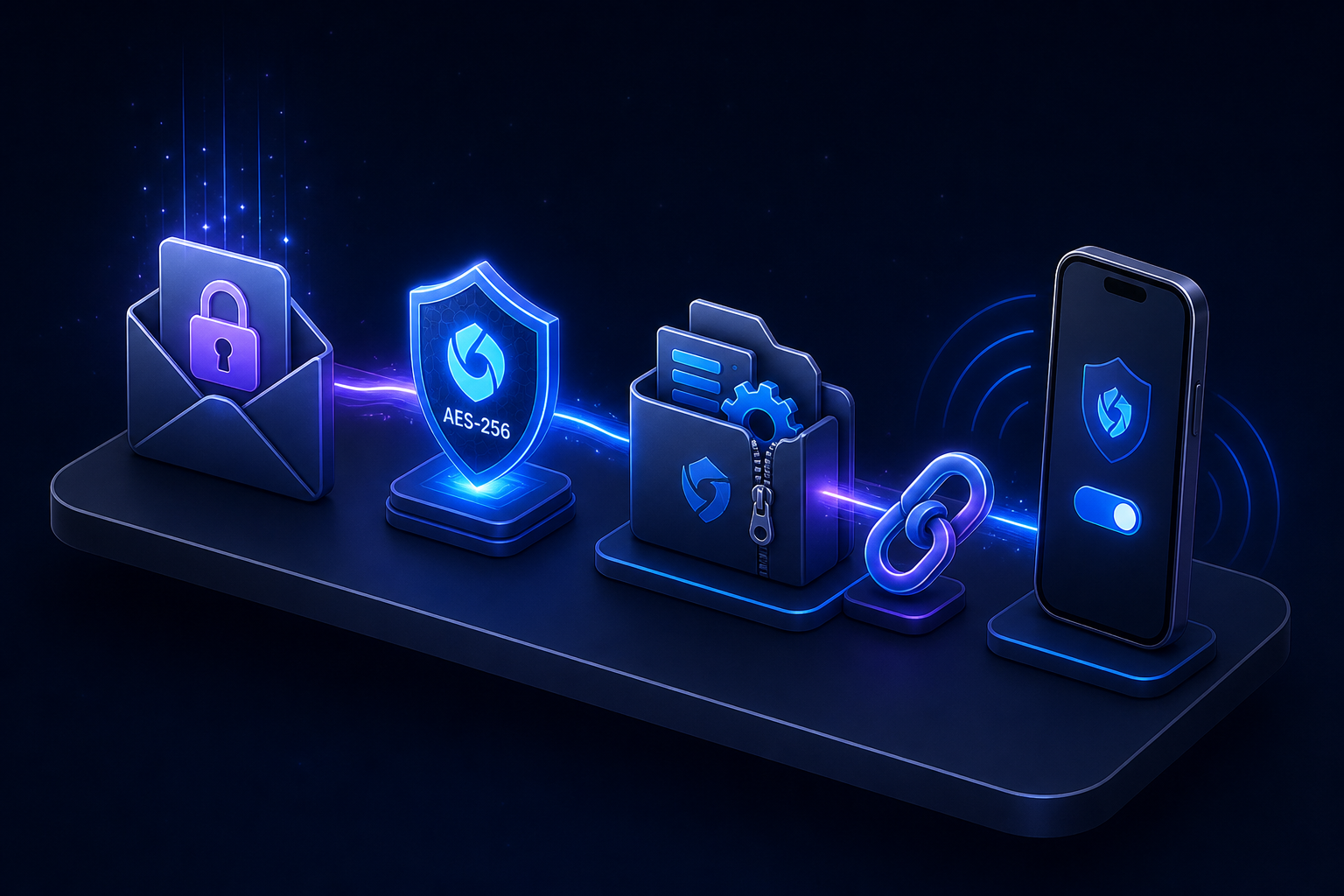 01 · Provisioning
Your admin creates a client in the console and sends a single HTTPS link. VisionGuard decrypts the profile bundle on-device — WireGuard or OpenVPN, ready to connect.
 02 · Connection
VisionGuard uses the OS VPN stack on iOS and Android. WireGuard-first for speed, with OpenVPN and IKEv2 when your network needs it.
 03 · Control
Every provision, refresh, and admin action is logged. Kill a client’s access instantly from the console — the app stops connecting on the next check.
See the app
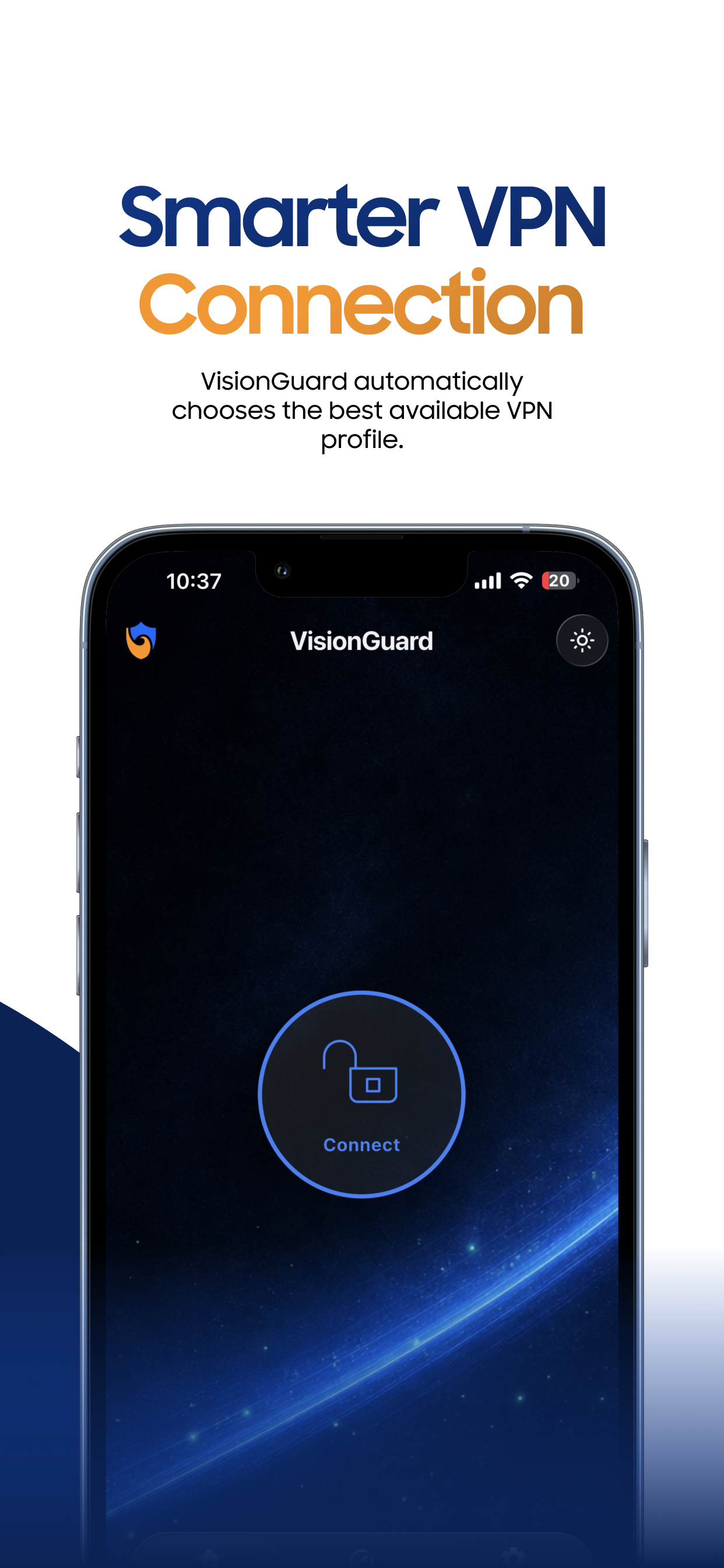
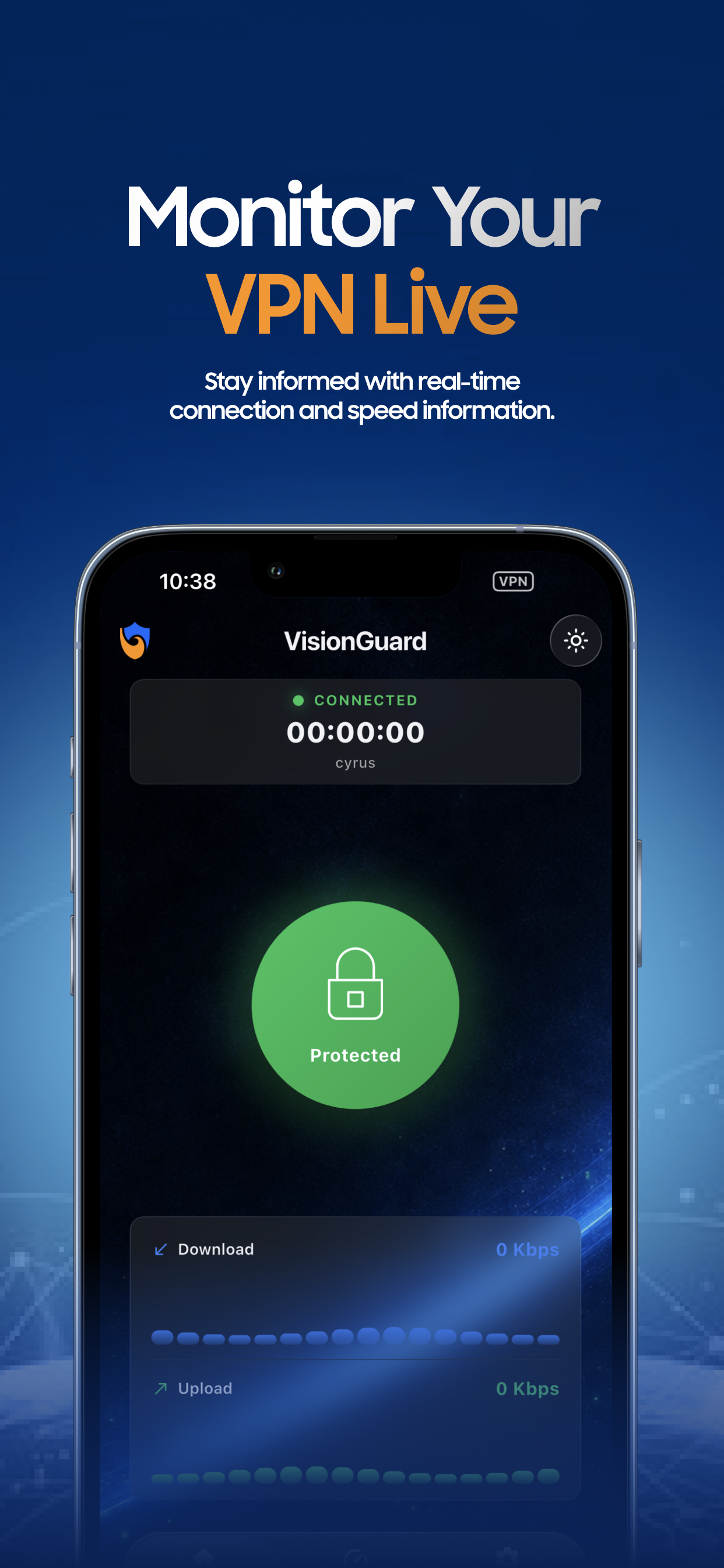
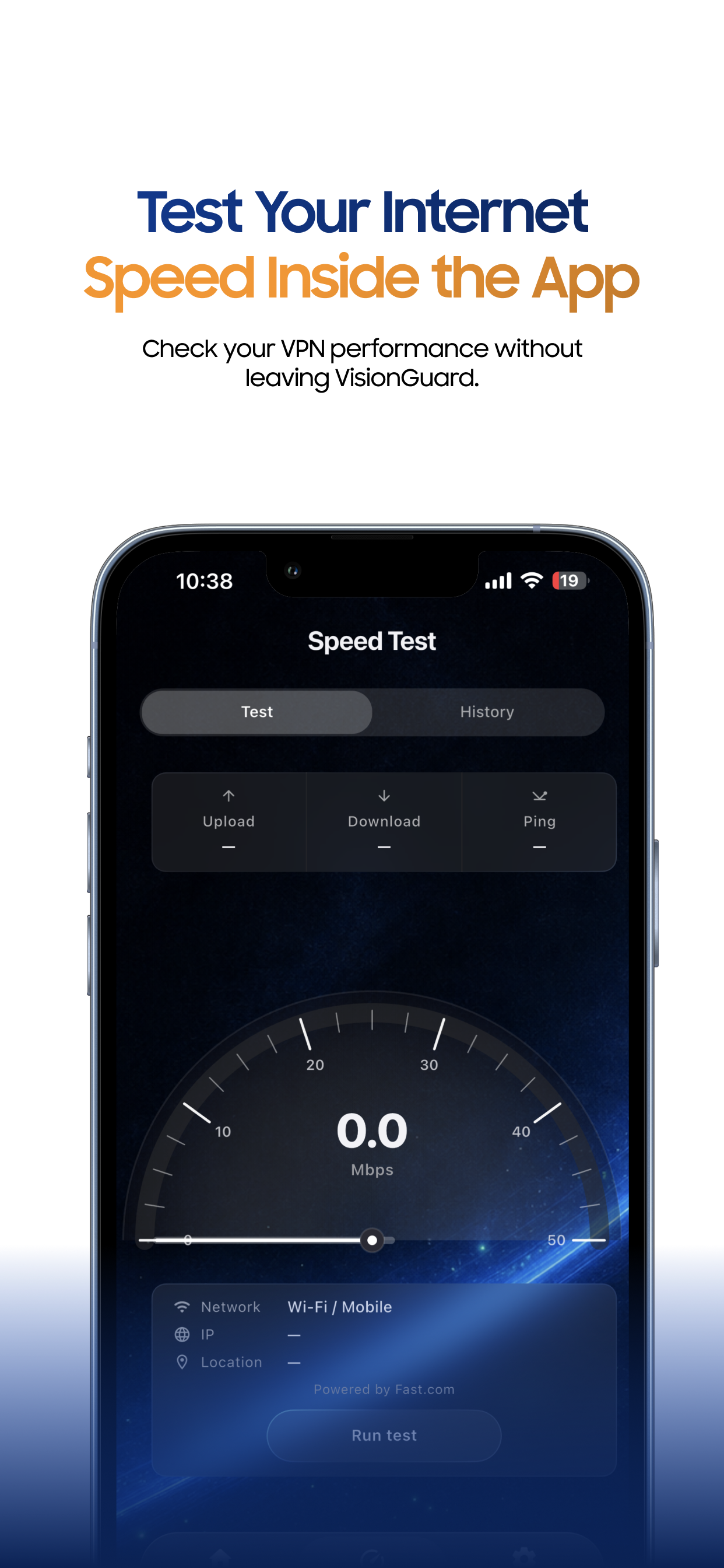
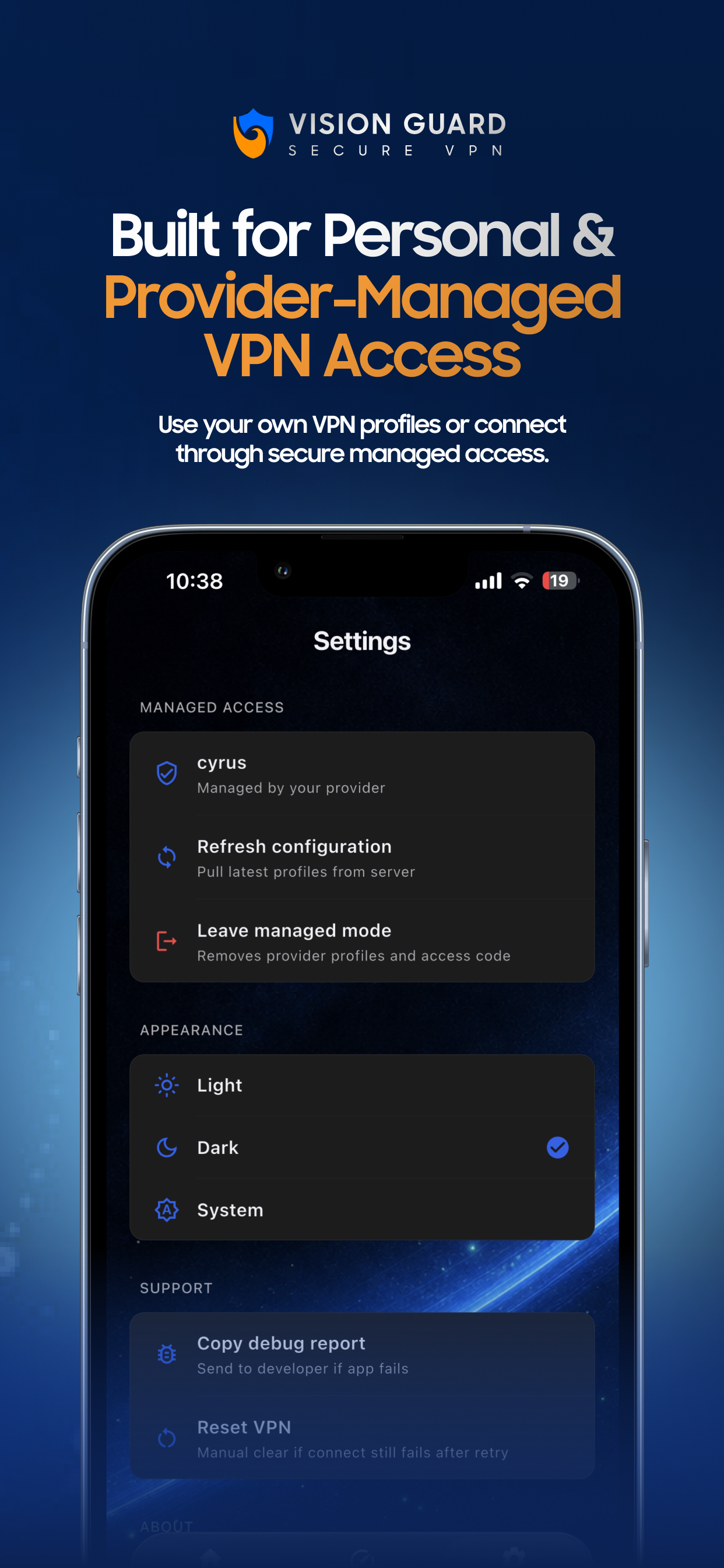
Real VisionGuard screens — connect, monitor live stats, run a speed test, and manage provider access.
Three steps
No IT desk. No config files. Under a minute.
Download from App Store or Google Play.
Tap the secure HTTPS link your admin sent.
Profiles ready. One button. Done.
Inside the app
VisionGuard ships a full VPN client — managed provisioning for teams, consumer profiles for power users.
Native OS tunnel with live status, session timer, and real-time speed meters while connected.
Measure download, upload, and ping. Save history and share results without leaving the app.
Activate with a secure link or access code. Profiles sync from your admin and stay read-only on device.
WireGuard, OpenVPN, and IKEv2 — the app tries profiles in priority order when a network blocks one.
Consumer mode supports manual profiles and .conf / .ovpn imports when you are not on managed access.
System-aware themes, onboarding for first launch, and a debug report you can copy for support.
Why teams choose VisionGuard
Not a consumer VPN marketplace — a controlled client for admin-issued profiles.
Admins create a client, send one link, and users connect without tickets or manual .ovpn files.
< 60 sec setupSystem-level VPN on iOS and Android protects every app — email, browser, and banking included.
3 protocolsRevoke access instantly, rotate activation codes, and review every provision event in the audit log.
Full audit trailFAQ
Quick answers for admins and end users.
Install the app, then open the HTTPS activation link from your admin. VisionGuard decrypts your profile bundle on-device — no manual VPN config files.
WireGuard, OpenVPN, and IKEv2. The app tries profiles in priority order and fails over automatically when a network blocks a protocol.
No. VisionGuard installs a native VPN profile through iOS and Android system APIs. All device traffic can route through the tunnel.
The admin disables your client in the console. On the next refresh, the app clears managed profiles and exits provisioned mode.
Download VisionGuard and open your activation link.